
Give customers and partners one secure, branded place to see their dashboards, without learning Tableau or waiting on emailed spreadsheets. We handle hosting and setup with you, and portals go live within days.

Users sign in and land on the dashboards meant for them, organized in a simple menu instead of navigating Tableau's interface.
Invite users, group them, and control who sees what from one simple admin. No Tableau skills needed.
Your logo, colors, and web address from the sign-in screen on, so the portal feels like part of your product.
Link your Tableau Cloud or Server site and choose the dashboards to share.
Add your domain, logo, and colors, then set up sign-in and who sees what.
Add people and share the portal link. Users log in and find their dashboards waiting. Want a hand? We'll set it up with you.
Every feature for one monthly price, with no per-user fees from us. Pay annually and get two months free.
Need private cloud hosting, Active Directory, or custom integrations?
Let's talk about a custom planTableau licenses work well for analysts. For customers and partners, a portal puts the right dashboards in front of the right people, with none of the clutter.


Turn your data into a product. Put premium dashboards behind built-in Stripe paywalls, or bundle reporting into what customers already pay you for.
Serve dashboards from your own address, like reports.yourcompany.com, behind a login screen in your logo and colors. School districts, membership organizations, and service businesses already run their portals this way.

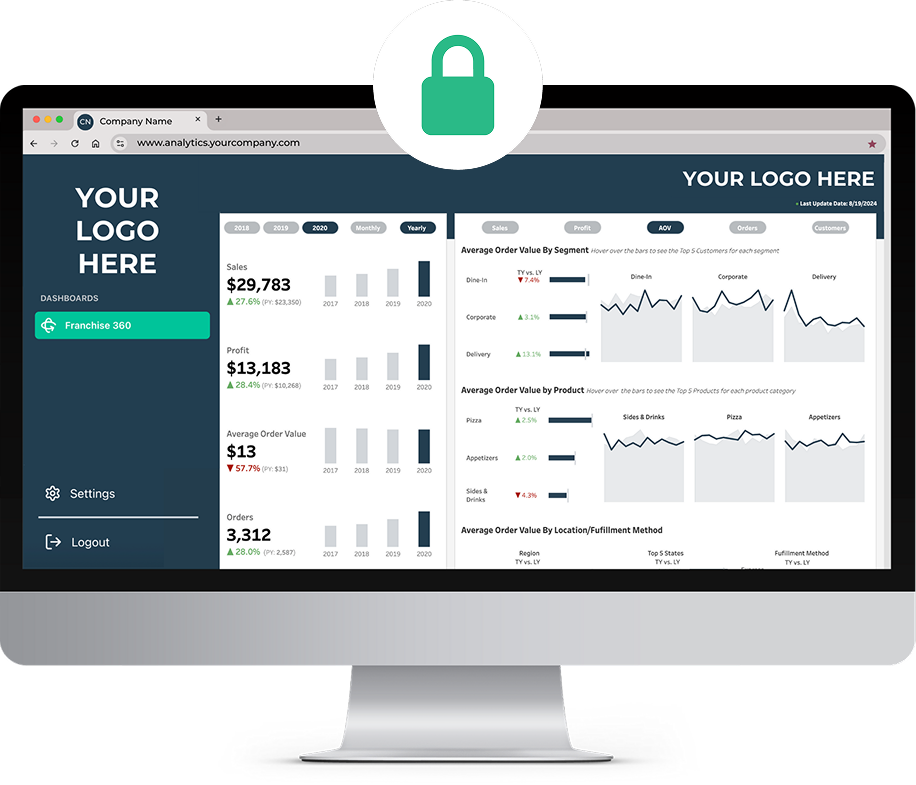
Tableau is built for exploration, but most portal users just want answers. Portal Panda gives them a clean menu of the dashboards that matter, and Panda AI lets them ask questions about their data in plain English.
We own the messy parts: hosting, embedding, authentication, licensing setup, and user administration. You keep building great dashboards, and our team helps you launch.
.gif)
A Tableau license and user account for every person who views a dashboard, whether they log in daily or twice a year.
Pay for analytical impressions on Tableau Cloud. Viewers sign in to your portal and get access on demand, with no Tableau accounts to create.
Many portal viewers only check in a few times a month, so a named seat for each one adds up fast. Pair Portal Panda with Tableau's usage-based licensing and you pay for what actually gets viewed, while the portal grants on-demand access to everyone you invite.
We support both Tableau licensing models!
Estimate your impressions with our free calculatorYou can, but they land in a tool built for analysts, with projects, folders, and workbooks to wade through. A portal shows each person only their dashboards, under your brand, and keeps your Tableau site clean.
Most portals go live within days. We connect to your Tableau site, apply your branding and domain, and set up sign-in and access rules with you.
Tableau Cloud, Tableau Server, and Tableau Public.
Portal Panda works with named Viewer licenses or Tableau's usage-based licensing for embedded analytics. On Tableau Cloud with usage-based licensing, viewers get on-demand access through the portal, so you don't have to create and maintain a Tableau account for every person. Our free calculator estimates how many impressions a rollout will need.
Try the impressions calculatorYes. K-12 districts are one of our largest customer groups, using Portal Panda to put district dashboards in front of staff and stakeholders on their own district domain.
Book a 30-minute walkthrough. We'll show you a live portal and map out what yours would look like.
BOOK A DEMO